

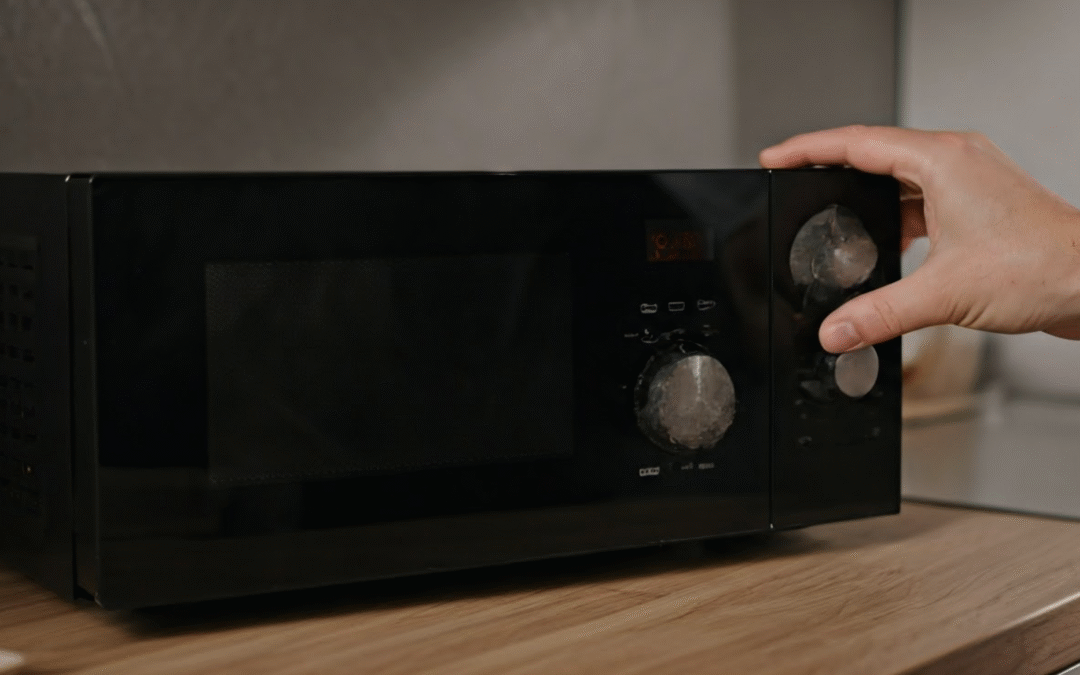
Microwaves are important tools in today’s kitchens. They make cooking quick and easy. But if you hear a rattling noise, it can interrupt this comfort. This noise can mean small problems or bigger issues with the appliance. To fix this, you must first understand what is causing your microwave making a rattling noise. In this blog, we will look at common reasons for the noise, ways to solve it, and safety tips to handle these issues well.
Common Causes of Rattling in Microwaves
Rattling sounds in a microwave can mean there is a loose or broken part inside. One common reason is the cooling fan. If it is blocked by dirt or not aligned correctly, it can make noise while it helps control the microwave’s temperature.
Another reason for the noise is the turntable motor. This important part makes sure the microwave’s plate turns smoothly. If it stops working, you might hear rattling or grinding sounds. Problems with the turntable motor can also make cooking uneven.
Lastly, general wear and tear can cause screws or parts to become loose inside the appliance. When the microwave runs, it vibrates and some parts may shift, causing annoying noises. It is important to fix these problems quickly to keep the microwave working well and to help it last longer.
Why Identifying the Noise Type Matters
Understanding the type of noise your microwave makes can help you find out what the problem is. Each sound—like rattling, buzzing, or clicking—points to a different mechanical or electrical issue.
For example, a rattling sound often means that some parts, like the cooling fans, might be loose or blocked. Buzzing noises are usually related to the magnetron or diode. These parts deal with high voltage and help create electromagnetic waves. They are very important for how the microwave works.
Also, knowing the difference between grinding and clicking sounds can give you useful hints. Grinding sounds could mean there are issues with the stirrer motor, while clicking often points to the turntable motor. Understanding these differences helps you focus on the right repairs and avoids wasting time on parts that do not need attention.
Preparing to Fix the Rattling Noise
Before you fix the rattling noise, it’s important to prepare. Start by turning off the microwave and unplugging it. This helps to avoid electrical dangers. If the microwave is built in, you should also disconnect it from the power supply completely.
Next, make sure you have the basic tools you need and the user manual for the microwave. Being prepared can help prevent damage to your microwave and make it easier to troubleshoot the problem.
Tools and Materials Needed
Gathering the right tools is essential for fixing a microwave.
- A multimeter to test motors and fans
- Screwdrivers for safe access
- User guide to locate parts easily
- Wear protective gloves when handling electrical components
- Use cleaning supplies to tidy up inside
Having these items ready enhances safety and focus during repairs, reducing the risk of damaging delicate parts like the magnetron or cooling fan. Even if you’re skilled, consulting the user guide can help you understand part placement and proper repair techniques, saving time and simplifying the process.
Safety Precautions Before Starting Repairs
Safety is crucial when fixing a microwave due to electrical risks. First, unplug the microwave and consider turning off the circuit breaker. Be aware that some components can retain a high charge, posing shock hazards. Wear insulated gloves while working, especially near the capacitor, which must be safely discharged before inspecting internal parts—this requires special tools. If you’re unfamiliar with the microwave’s components or lack experience, it’s best to call a repair expert to avoid injury or further damage.
Step-by-Step Guide to Quieting Your Microwave
To make your noisy microwave quiet again, follow these simple steps. First, check the parts of the unit for loose or broken items like screws or motors. Tightening these can often fix the problem.
If the rattling is still there, look at the turntable motor or cooling fan for any blockages or damage. You may need to replace these worn-out parts to get rid of the annoying noise.
Step 1: Inspect and Tighten Loose Components
Loose parts can cause rattling sounds.
- First, turn off and unplug your microwave. Then, use a screwdriver to take off the panels and check inside for any loose screws or parts that are out of place. These are often the causes of noise from vibration.
- Make sure to tighten any loose components, especially the screws around the cooling fan and turntable motor. Tightening these connections helps prevent more damage and keeps the microwave stable when it runs.
- Carefully put the panels back on, plug in the microwave, and check for any noise. Fixing loose parts is an easy way to make your microwave quieter.
Step 2: Check and Replace the Turntable Motor
The turntable motor can make grinding or clicking sounds.
- First, unplug your microwave and take off the bottom panel to reach the motor. Look for any dirt or damage around the motor.
- Next, use a multimeter to check if the motor has continuity. If you get a bad reading, you will need to replace it. Check your user manual for help with the installation to make sure it fits correctly.
- After putting in the new motor and fixing it in place, put the microwave’s panels back together. Plug it in and test it to see if the noise is gone.
Contact KitchenAid Repairs for Expert Service
If repairing microwaves feels too hard or risky, it’s best to call a professional team like KitchenAid Repairs. Our experts can quickly find problems, like rattling noises or broken magnetrons. We focus on being quick and safe. We use certified tools and methods to fix appliance issues the right way. Whether you need new parts or just a check-up, we promise dependable results that help your microwave work like new.
Don’t spend time trying to fix it yourself. Contact KitchenAid Repairs for expert service and feel secure. Call (512) 819-0670 to get help today.
Conclusion
In conclusion, fixing a microwave making a rattling noise can be simple. If you know the common causes and follow a step-by-step method, you can find and fix the problem quickly. Always keep safety in mind and take care while you make repairs. If the noise keeps happening even after you try, feel free to ask a professional for help. To learn more tips on caring for your kitchen appliances, check out our other helpful blog about Fixing KitchenAid Microwave Control Panel Not Working. Your kitchen appliances deserve good care, and we are here to help you!
Frequently Asked Questions
What Does a Bad Microwave Magnetron Sound Like?
A faulty microwave magnetron often makes high-pitched screaming or screeching sounds. You might also hear loud buzzing or humming. These noises mean that the magnetron is worn out or has defects. It needs to be replaced for the microwave to function properly.
How Loud Should a Normal Microwave Be?
A regular microwave makes a low humming noise when it works. This sound shows that the magnetron and fan are doing their jobs. However, loud humming noise or annoying sounds, like grinding or buzzing, can mean there are problems with the parts. These sounds need quick attention to prevent more damage.
How Do I Stop My Microwave From Making Noise?
You can reduce noise from your microwave by cleaning the cooling fan well or checking for loose parts inside. If problems keep happening, you might need to test and replace broken parts like the turntable motor or magnetron. Getting help from a professional can give you safe and long-lasting fixes.